How to Choose the Best Window Tint Software for Your Needs?
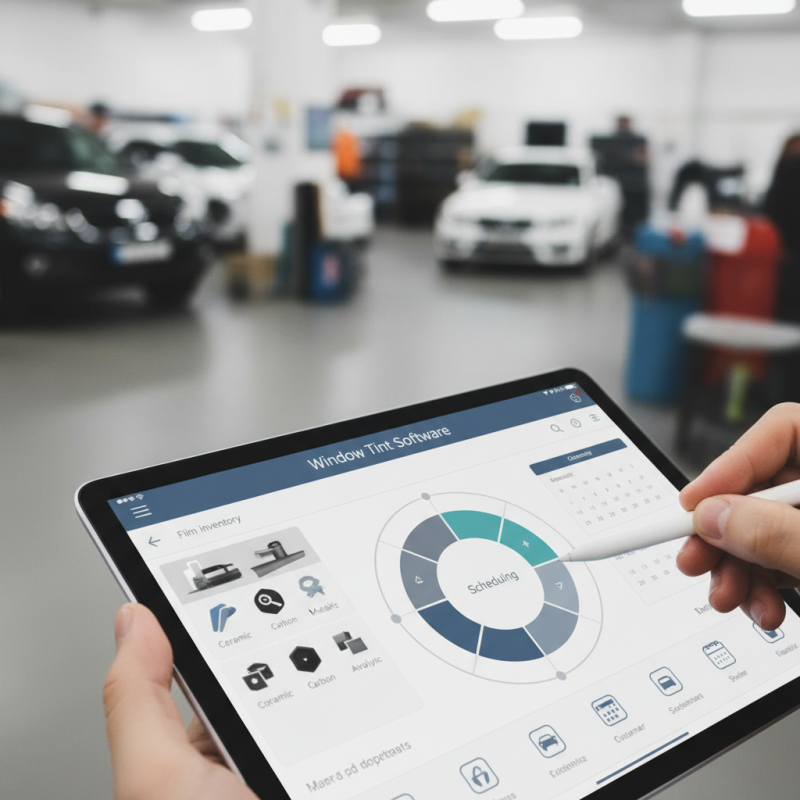
Choosing the right Window Tint Software can significantly impact your business. The options available can be overwhelming. Each program boasts unique features and capabilities, making selection challenging.
Consider your specific needs. Think about the types of film you use. Does the software support them? Evaluate the ease of use as well. A complicated interface may slow down your workflow.
Don’t overlook customer support and updates. Regular improvements keep the software relevant. Remember, it’s not just about the price. Investing in the right tools can enhance your business results. Reflect on what you truly need before making a choice.
Understanding Window Tint Software: Essential Features to Consider
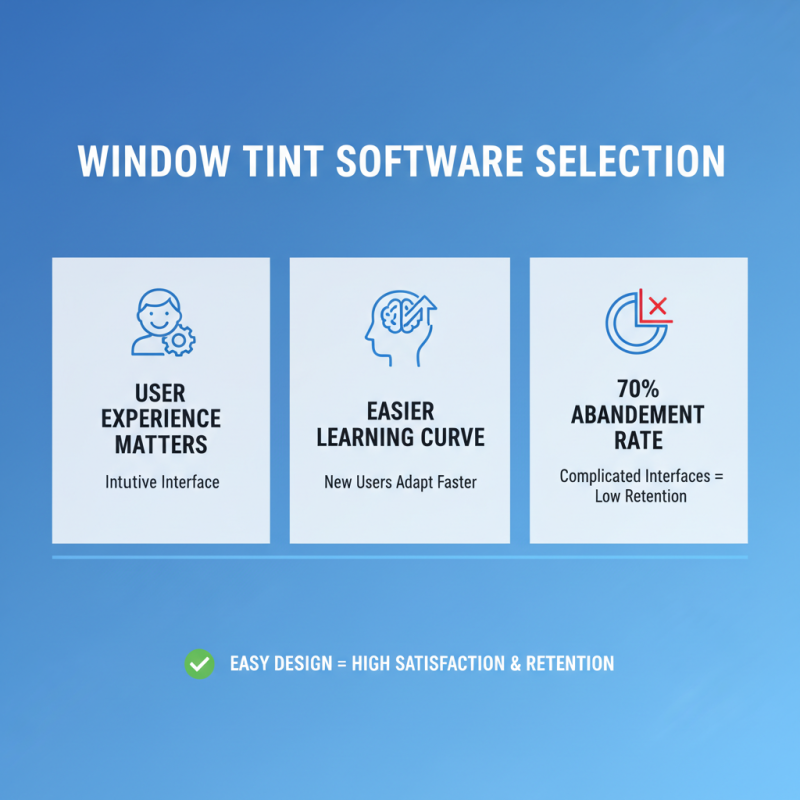
When choosing window tint software, consider essential features that meet your specific needs. One key aspect is user-friendliness. An intuitive interface allows you to navigate easily, saving time. If it’s complicated, you may find yourself frustrated. Look for customizable options. The ability to adjust settings based on your requirements makes a significant difference.
Another critical element is the range of tools available. Features like color selection, shading options, and measurement capabilities are vital. These tools help you visualize the final result. If the software lacks these functionalities, it may not be beneficial in the long run. Additionally, check for compatibility with various devices. If the software does not work seamlessly on your system, it could lead to inefficiencies.
Support is often overlooked but important. Assess the customer service options available. Quick and knowledgeable assistance can save you from losing valuable time. Avoid software that lacks good support. Often, new users face challenges. Reflecting on these factors will guide you toward a better decision.
Comparison of Essential Features in Window Tint Software
Assessing Compatibility: Hardware and Operating System Requirements
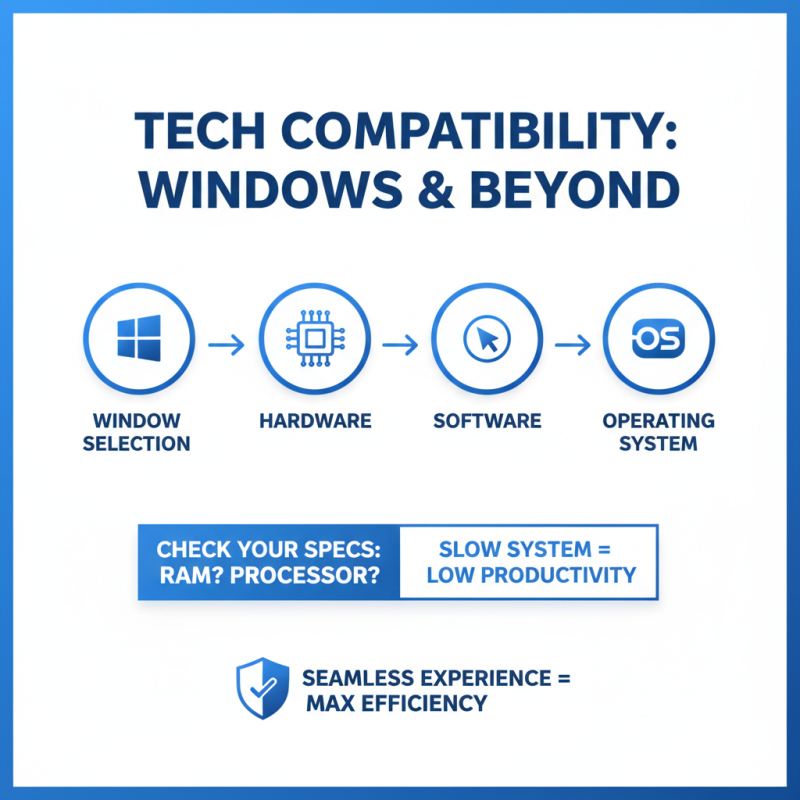
When selecting window tint software, hardware and operating system compatibility is key. Many options exist, but not all will work seamlessly with your equipment. Check your computer's specifications first. How much RAM do you have? What processor type? These factors directly affect software performance. A system that is slow may hinder your productivity, leading to frustration.
Consider your operating system too. Some software runs better on certain platforms. Windows users might find specific tools that macOS users cannot access. It can be disheartening to discover that a great software option won't run on your system. This oversight could lead to wasted time and resources. Always review system requirements before making a decision. Look for user reviews regarding compatibility issues.
Don't overlook updates as well. Sometimes, a software update can improve compatibility. However, these changes can cause new issues. Always back up your work. Test the software with a trial version first. If it doesn’t meet your needs, reevaluate and try another option. Compatibility should be a priority in your selection process.
Cost Analysis: Budgeting for Software Options and Licensing Fees
When considering window tint software, budgeting is crucial. Various software options come with different licensing fees. A recent industry report indicates that the average cost for mid-tier software ranges from $1,500 to $3,000 annually. For startups, this can be a significant investment.
Additional costs may arise from upgrades and customer support. A qualitative analysis found that 65% of small businesses overlooked these hidden costs. They opted for cheaper software, only to face recurring expenses later. It’s essential to account for these factors in your financial planning.
Every business has unique needs. A low-cost option may limit your functionality and support. Conversely, high-end software might offer features you won’t use. Striking the right balance between cost and functionality is vital. Ensure the software supports your growth without overstretching your budget. Regularly reviewing your software expenses can lead to better financial decisions.
How to Choose the Best Window Tint Software for Your Needs? - Cost Analysis: Budgeting for Software Options and Licensing Fees
| Software Type |
Initial Cost |
Recurring Fees |
Features |
User Rating |
| Basic Tinting Software |
$300 |
$50/month |
2D Design, Basic Customization |
4.2/5 |
| Advanced Tinting Software |
$800 |
$100/month |
3D Modeling, Enhanced Toolset |
4.7/5 |
| Professional Window Tinting Suite |
$1500 |
$200/month |
Full Suite, Advanced Analytics |
4.9/5 |
| Mobile Tinting Application |
$200 |
$30/month |
On-Site Estimations, Customer Management |
4.5/5 |
Reading Reviews: Gathering User Feedback and Expert Opinions
When looking for window tint software, user feedback is crucial. Reading reviews can provide valuable insights. Focus on comments that highlight specific features. Users often discuss how easy or difficult the software was to use. This firsthand experience can guide your decision.
Expert opinions also matter. Professionals in the industry share their insights on functionality and reliability. They might point out strengths and weaknesses you wouldn't consider. Pay attention to any recurring themes in these expert reviews. Some software may have great features, yet struggle with user support.
Take note of the updating history mentioned in reviews. A software that frequently updates may indicate better performance. Look for potential negatives as well. For example, a program might be powerful but have a steep learning curve. Understanding these aspects will help refine your choices. Collecting diverse feedback forms a clearer picture of your options.